Get the 60bd APK & Play Anywhere in BD
The 60bd app is 58 MB, runs on Android 8.0 and up, and handles bKash or Nagad deposits in under 3 minutes. Download the APK directly — no Play Store needed.
- Scanned & Safe
- Android 8.0+
- SSL Encrypted
- 24/7 Support
- 18+ Only
- File Size
- 58 MB
- Min. Android
- 8.0
- Price
- Free
Download the 60bd APK — File Details
Tap the button below to download the APK directly to your Android device. No app store account required.
Download 60bd.apk| Detail | Info |
|---|---|
| App Version | 2.2.9 |
| File Size | 58 MB |
| Minimum Android | Android 8.0 (Oreo) |
| Last Updated | 16 November 2026 |
| Price | Free |
| Languages | English / Bangla |
iOS Users: Add to Home Screen
There is no iOS app — Apple does not allow APK files. iPhone and iPad users can run 60bd through Safari as a web app pinned to their home screen.
- Open https://60bd.mobi in Safari on your iPhone or iPad.
- Tap the Share icon at the bottom of the screen (the box with an arrow pointing up).
- Scroll down the Share menu and tap "Add to Home Screen".
- Give it a name (e.g. 60bd) and tap Add. The icon appears on your home screen like any app.


Scan to Download
Point your camera at the QR code — links directly to the APK.
Installing the APK on Your Android Phone
Android blocks apps from outside the Play Store by default. You need to allow "Unknown Sources" once — here is exactly how to do it, step by step. Works on Android 8.0 (Oreo) and all newer versions.
-
Allow Unknown Sources
Go to Settings → Security (or Privacy on newer phones). Find "Install unknown apps" or "Unknown sources" and toggle it on for your browser or file manager. You only do this once.
-
Download the APK
Tap the Download button on this page. Your browser saves the file 60bd.apk (58 MB) to your Downloads folder. Wait for the download to finish before tapping the file.
-
Open and Install
Open your file manager, navigate to Downloads and tap 60bd.apk. Android shows an install prompt. Tap Install. The process takes about 15–30 seconds.
-
Log In or Register
Once installed, open the 60bd app. Existing members tap Log In and enter their number and password. New players tap Register and set up a free account in under two minutes.
-
Deposit & Play
Top up with bKash, Nagad, Rocket, Upay, or Bank Transfer. Minimum deposit is ৳200 and funds arrive within 3 minutes. The welcome bonus applies on your first deposit.
After installing: You can turn "Unknown sources" back off in Settings. The 60bd app stays installed and updates normally through the app itself.
APK or Browser — Which Is Right for You?
Both options work. The APK gives you a faster, cleaner experience. The browser is there when you are on a shared device or just browsing. Here is a quick comparison so you can decide.
If you play more than a few times a week, the APK is the better choice. The push notification for deposits alone saves time during live cricket betting.
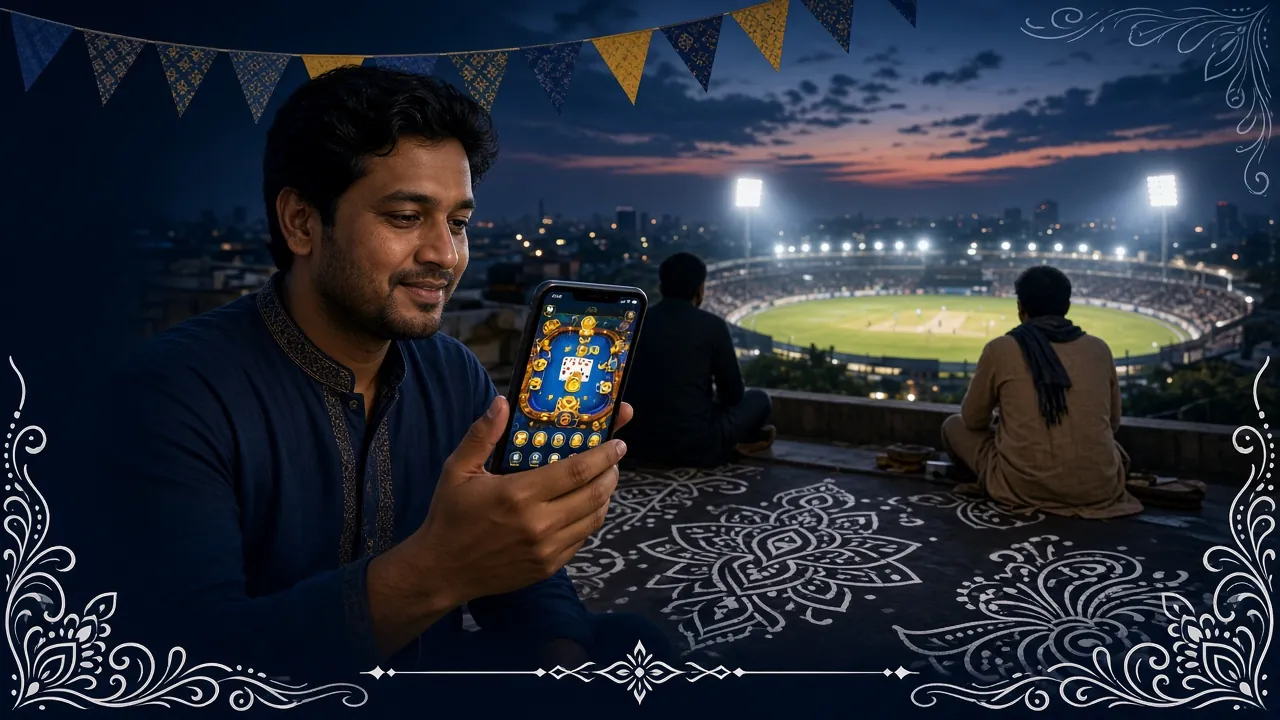
What the App Puts in Your Pocket
The app is not just a wrapper around the website. These are the features Bangladesh players use most, available on the go from a single screen.
One-Tap Login
Your session stays active between visits. Open the app and you are already logged in — no typing your number and password every time. Works with biometric unlock if your phone supports it.
Instant Deposits
Deposit with bKash, Nagad, Rocket, or Upay directly inside the app. The minimum is ৳200. Funds arrive in under 3 minutes. The deposit form is built for thumb use — large fields, no tiny dropdowns.
Live Sports Betting
Follow cricket, football, kabaddi, and more with live odds that update in real time. Place a bet on a T20 match between overs. IPL, BPL, Champions League — all covered through the app.
Live Casino Tables
Evolution-powered live dealers stream directly through the app. Teen Patti 20-20, live roulette, baccarat — same quality as the desktop version, optimised for a phone screen. See the full casino page for game details.
Push Notifications
Get a notification when your deposit lands, when a withdrawal is processed (within 6 minutes), or when a bonus is credited. You can turn off categories you do not need in app settings.
Auto-Update
The app checks for new versions each time you open it. When an update is ready, you get one tap to install. No need to come back to this page — your APK stays current automatically after the first install.
Can't Install? Fix It in One Step
These are the five most common reasons the 60bd APK install fails, and exactly what to do about each one. Most issues take under a minute to fix.
| Problem | Likely Cause | Fix |
|---|---|---|
| Install blocked by Android | "Unknown sources" is not enabled for your browser or file manager. | Go to Settings → Security → Install unknown apps, find your browser (e.g. Chrome), and toggle it on. Try installing again. |
| "Parse error" or "Package error" | The APK file is corrupted or the download was interrupted before it finished. | Delete the incomplete file from Downloads, reconnect to a stable network, and download the full 58 MB again from this page. |
| Not enough storage | Your phone has less than about 120 MB of free space (install needs room to unpack). | Delete unused apps or photos to free up space. At least 150 MB free is recommended. Then re-run the install. |
| "App not installed" error | An older version of the app is already on the phone and the new APK conflicts with it. | Uninstall the existing 60bd app first (Settings → Apps → 60bd → Uninstall), then install the new APK. Your account data is stored on the server, not the phone. |
| Android version not supported | Your phone runs Android 7.x or older, which is below the minimum of Android 8.0. | Use the browser version at 60bd.mobi — it works on older Android. If you can update your phone's OS, do that first and then install the APK. |
Still stuck? Open 24/7 Live Chat from the app or website. The support team handles APK install problems in real time, any hour of the day.
Using the 60bd App on a Budget Phone or Slow Connection
Not everyone has a flagship Android. The 60bd app is built to run on entry-level phones and 3G connections common outside Dhaka. These settings help you get the best experience on limited hardware or data.
Low RAM (2 GB or less)
Close background apps before launching 60bd. Android clears RAM automatically, but doing it manually keeps the game lobby loading smoothly. Slots like Nine (Red Tiger, 1 MB per round) run well on 2 GB devices.
3G or Weak 4G
Slots and casino games work fine on 3G. Live streaming (live casino tables) needs a stable 4G signal. If your connection drops during a live session, the game pauses and resumes when you reconnect — your bets are not lost.
Save Mobile Data
In the app's Settings menu, turn on Data Saver. This reduces image quality in the lobby and game thumbnails. The actual game quality is not affected — only the preview graphics.
Extend Battery Life
Reduce screen brightness and turn off Wi-Fi if you are on mobile data — switching between both drains battery. The 60bd app does not run background processes when closed, so it does not drain battery while idle.
Keep the APK Updated
Newer versions include performance patches specifically for older hardware. When the app shows an update prompt, accept it on Wi-Fi to avoid using your data allowance. Updates are typically under 20 MB.
Free Up Storage First
The 60bd APK needs about 120 MB of free space after install (58 MB compressed, slightly more unpacked). If your phone has 16 GB or 32 GB storage, clear cached data in Settings → Storage → Cached Data before installing.
Common Questions About the 60bd APK
Is the 60bd APK safe to download and install?
Does the 60bd app work on iPhone or iPad?
How do I update the 60bd app to the latest version?
What is the minimum Android version the 60bd APK supports?
Can I use the same account on the app and the website?
Does installing the APK cost anything or use a lot of data?
Ready to Download?
Get the 60bd APK now and play casino games or bet on cricket from your Android phone. Free to install, works on Android 8.0+.